- Internal tool
- Front-end development
- UI design
Paciolan configuration tool
A tool built so business teams can make routine system changes without pulling engineers off other work.
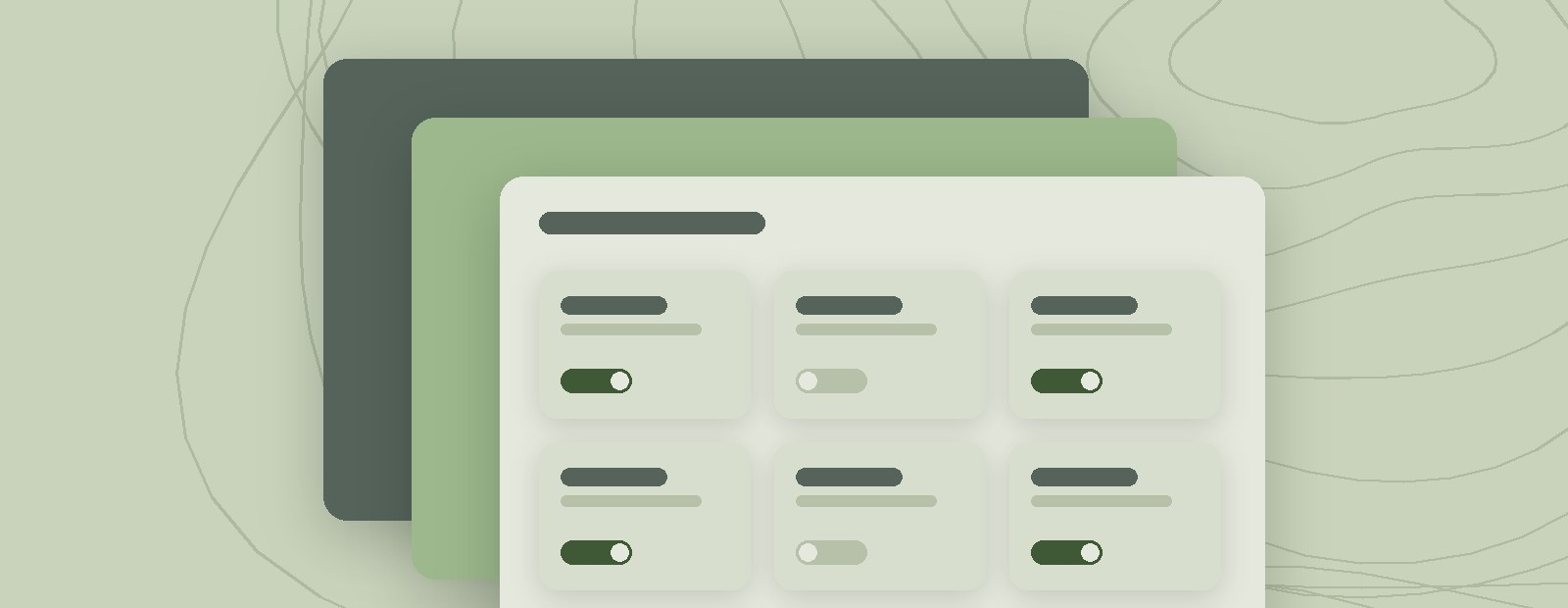
Every small change pulled an engineer off their work.
Whenever the business team needed a change made to a client's setup, the software engineering team had to take many manual steps to make it. Each request pulled engineers away from other work.
The request
The business team needed a change to a client's setup.
The manual steps
Engineers made it by hand, step by step.
The cost
Every request took engineering time from other work.
What we built
We built an internal tool that automates those changes, with the business team as its users. The goal was simple: fewer manual edits to internal systems, and more engineering time for everything else.
I worked on the front end and the interface design, including the card layouts that organize the page.
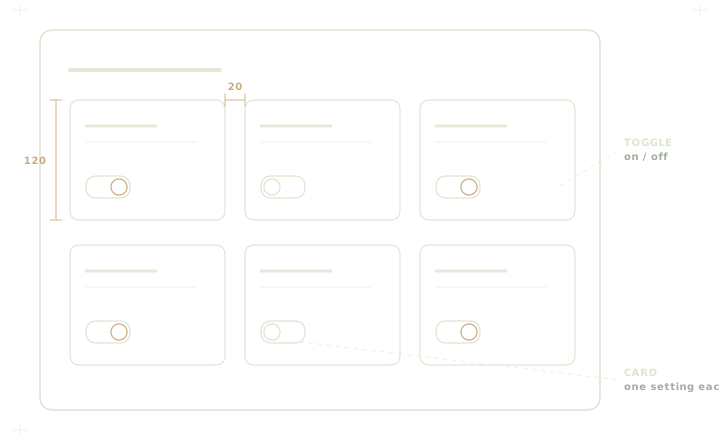
The goal
The tool was designed to cut unnecessary manual changes to client systems and free up the software engineers to take on other work.
The tool at a glance
- Users
- The business team
- Replaces
- Manual changes made by engineers
- My part
- Front end and interface design
- Frees up
- Engineering time for other work
What I learned
I built the page's card layout with a card library that made cards quick to create. About two weeks in, the engineer mentoring our team pointed out that it wasn't dynamic enough for what the tool needed, so we had to recreate each card by hand.
He showed us more efficient coding methods that cut the complexity, and I reused parts of my earlier code to catch up. With his feedback, we finished on time. The lesson: check that a shortcut fits the real requirements before building on it, and take feedback as a way to move faster.